Why Redis Is Fast With a Single Thread
Learn why Redis is fast with a single-threaded event loop, epoll, in-memory data, pipelining, and where blocking commands break it.
Why this matters
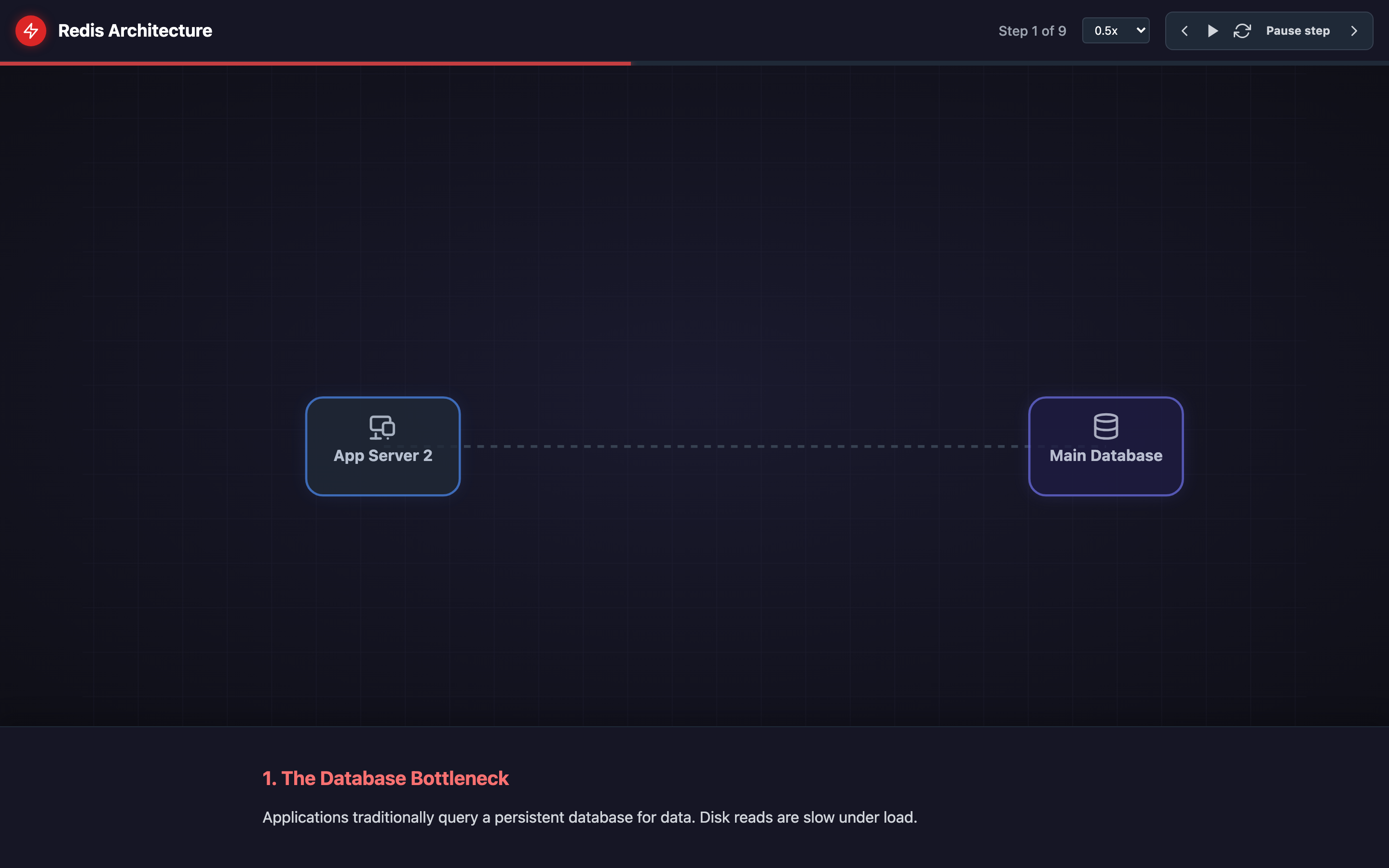
Most database systems handle concurrent clients by spawning threads — one per connection or from a pool. Each thread fights for CPU time, acquires locks before touching shared data, and forces the kernel to context-switch thousands of times per second. At 10,000 concurrent connections, a PostgreSQL instance might spend 30% of its wall-clock time just on lock contention and scheduling overhead.
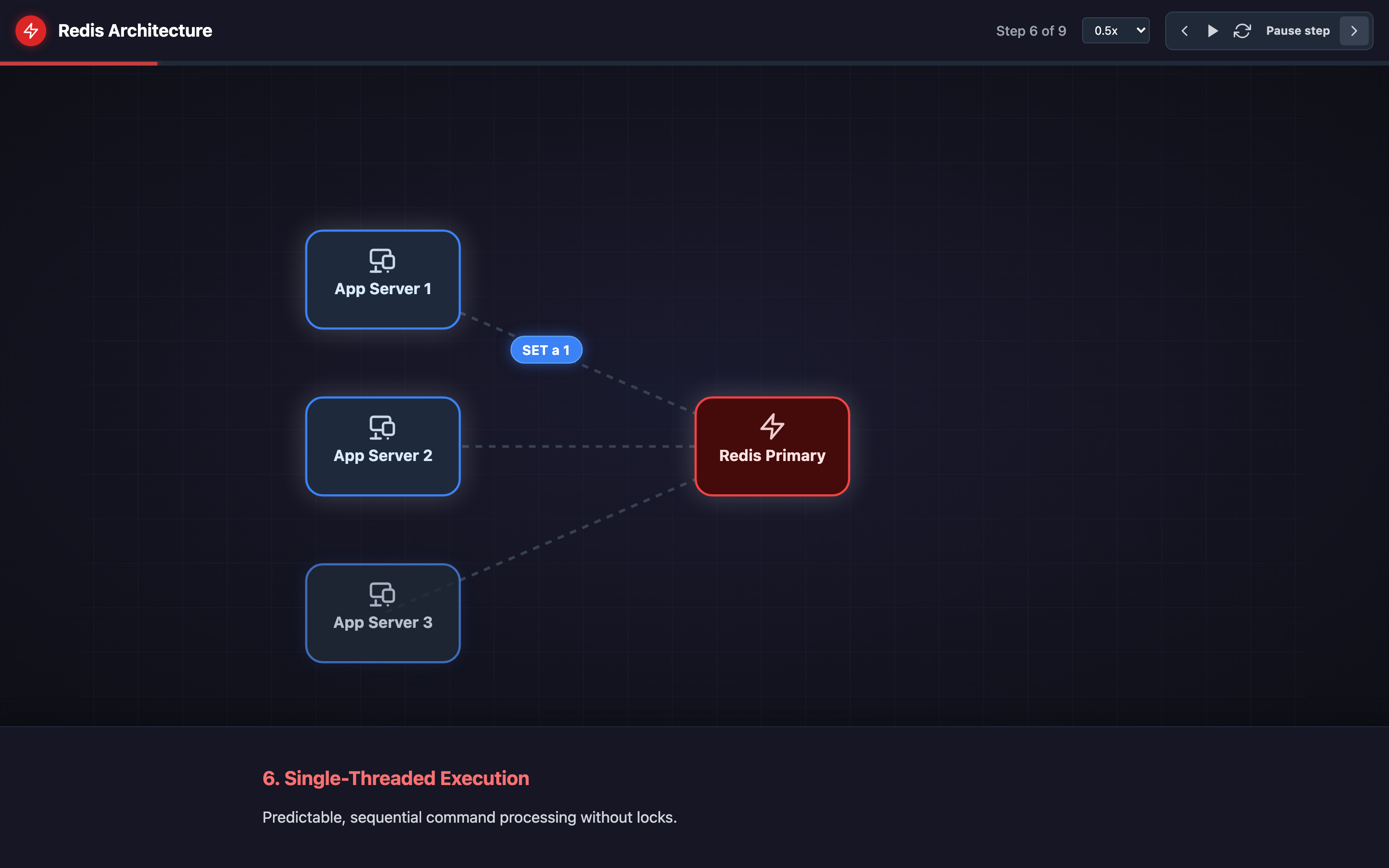
Redis takes the opposite approach. A single thread handles every client, every command, every byte of data. No locks, no context switches, no race conditions. The result is 100,000+ GET/SET operations per second on commodity hardware, with p50 latency under 0.5ms.
But that simplicity comes with a sharp edge: if any single command takes too long, every client in the system stalls. Understanding this architecture is the difference between a caching layer that absorbs 95% of your database traffic and one that becomes the single point of failure that takes down your entire application at 3 AM.
Practical note Redis is fast because it keeps the execution model simple. The dangerous commands are the ones that quietly violate that simplicity.
The mental model
Redis uses a single-threaded event loop built on top of the operating system’s I/O multiplexing primitives — epoll on Linux, kqueue on macOS. When a client connects, the socket is registered with the event loop. When data arrives on any socket, the loop wakes up, reads the command, executes it against the in-memory data structures, writes the response, and moves on to the next ready socket.
Because everything lives in memory — Strings, Hashes, Lists, Sets, Sorted Sets — most commands execute in O(1) or O(log N) time. A GET command reads a pointer, copies a few bytes, and returns. There is no disk seek, no buffer pool page fault, no WAL flush. The cache-aside pattern becomes trivial: application checks Redis (1ms), on miss reads from the database (50–500ms), populates Redis, and returns.
Pipelining multiplies throughput further. Instead of sending one command and waiting for the response, the client batches dozens of commands into a single TCP write. The event loop processes them all sequentially and writes back all responses at once. Pipelining 50 GET commands turns 50 round-trips into 1, pushing throughput past 500,000 ops/sec on a fast network.
For durability, Redis offers two persistence mechanisms: RDB snapshots fork a child process to serialize the entire dataset to disk at intervals, while AOF (Append-Only File) logs every write command and replays them on restart. For horizontal scaling, Redis Cluster partitions data across nodes using 16,384 hash slots, while Sentinel provides automatic failover for master-replica topologies.
Hint The visualization’s Stage 3 shows pipelining in action — watch how batching 50 commands into a single TCP write pushes throughput past 500K ops/sec compared to one-at-a-time execution.
Decisions that matter
| Parameter | Range / Options | Low End | High End |
|---|---|---|---|
maxmemory | 0 (unlimited) to available RAM | No limit — Redis grows until OOM killer terminates the process | Set to 75% of host RAM to leave room for fork-based persistence and OS buffers |
maxmemory-policy | noeviction, allkeys-lru, volatile-lru, allkeys-random, volatile-ttl, etc. | noeviction — writes return errors when memory is full, reads still work | allkeys-lru — any key can be evicted, maximizes cache hit rate but risks evicting important data |
hz | 1–500 (default 10) | Low values reduce CPU usage but slow down expired-key cleanup and background tasks | High values (100+) make TTL expiration more precise but consume more CPU cycles on idle instances |
lua-time-limit | Milliseconds (default 5000) | Short limits (500ms) kill runaway scripts fast but may break legitimate batch operations | Long limits let heavy scripts finish but risk blocking the event loop for seconds |
tcp-backlog | 1–65535 (default 511) | Low values drop connections during traffic bursts | High values queue more pending connections but consume kernel memory |
Where it breaks: Blocking Commands Stall All Clients
The failure mode: A developer runs KEYS * on a production instance with 5 million keys to debug a cache prefix issue. The command scans every key in the keyspace, taking 1.8 seconds on a dataset that size.
During those 1.8 seconds, the single-threaded event loop cannot process any other commands. Every application server’s Redis connection times out simultaneously.
What you will notice:
redis-cli --latencyshows a sudden spike from0.3msto1800ms- Prometheus
redis_commands_duration_seconds_total{cmd="keys"}shows a massive outlier - Application logs flood with
RedisTimeoutExceptionacross all pods SLOWLOG GET 10after recovery shows theKEYScommand with microsecond timestamps
Warning Never run
KEYS *on a production Redis instance. A single call on a large dataset blocks the entire event loop for seconds, causing cascading timeouts across all connected applications.
What I would do:
Replace KEYS * with SCAN 0 MATCH prefix:* COUNT 100. The SCAN cursor iterates in batches, yielding control back to the event loop between batches. Use redis-cli --scan --pattern "prefix:*" for ad-hoc debugging.
In production, block dangerous commands entirely using rename-command in redis.conf:
rename-command KEYS ""
rename-command FLUSHALL ""
rename-command FLUSHDB ""
rename-command DEBUG ""
Where it breaks: OOM Eviction From Missing maxmemory Policy
The failure mode: A Redis instance runs for months with maxmemory unset and the default noeviction policy. The dataset grows to 14.2 GB on a 16 GB host.
When Redis forks for an RDB snapshot, the child process triggers copy-on-write pages, and total memory usage briefly spikes to 28 GB. The Linux OOM killer terminates Redis. All application traffic falls through to the database, which buckles under 40,000 queries/sec it was never designed to handle.
What you will notice:
dmesg | grep -i oomshowsOut of memory: Kill process <redis-pid>INFO memory(if caught before the crash) showsused_memoryapproachingtotal_system_memoryredis_memory_used_bytesin Grafana flatlines at the host’s RAM ceiling, then drops to zero- Application error rates spike to 100% as every request hits the unprotected database
What I would do:
Set explicit memory limits and eviction policy in redis.conf:
maxmemory 12gb
maxmemory-policy volatile-lru
volatile-lru evicts only keys with a TTL set, preserving keys you explicitly want to keep. For pure cache workloads, use allkeys-lru instead.
Monitor redis_evicted_keys_total in Prometheus — if it starts climbing, your working set exceeds your memory budget and you need to either increase RAM or shard across Redis Cluster nodes.
Where it breaks: Slow Lua Scripts Blocking the Event Loop
The failure mode: A team deploys a Lua script that scans a Sorted Set with 2 million members to compute a real-time leaderboard. The script runs for 12 seconds.
During execution, Redis’s single thread is fully occupied — no reads, no writes, no health checks. Kubernetes liveness probes fail, the pod gets restarted, and all cached data is lost.
What you will notice:
SLOWLOG GETshowsEVALSHAcommands with execution times exceeding 10 secondsredis_blocked_clientsgauge in Prometheus spikes to match total connection count- Kubernetes events show
Liveness probe failed: connection refusedfollowed by pod restarts INFO commandstatsrevealscmdstat_evalsha:calls=1,usec=12000000
What I would do:
Set lua-time-limit 1000 in redis.conf to flag long-running scripts after 1 second (note: this doesn’t kill the script, but lets other clients get BUSY errors so they can fail fast).
Refactor the Lua script to work in batches:
-- Instead of scanning all members at once:
-- local all = redis.call('ZRANGEBYSCORE', KEYS[1], '-inf', '+inf')

-- Batch process with ZSCAN:
local cursor = "0"
local batch
repeat
  local result = redis.call('ZSCAN', KEYS[1], cursor, 'COUNT', 1000)
  cursor = result[1]
  batch = result[2]
  -- process batch...
until cursor == "0"
For complex aggregations, move the computation to a replica with replica-read-only yes or offload to a dedicated analytics pipeline.
Hint The visualization’s “Blocking Command” stage demonstrates what happens when a slow command monopolizes the event loop. Watch all queued client requests stall until the blocking operation completes.
The tradeoff
| Approach | Pros | Cons |
|---|---|---|
| Single-threaded event loop | Zero lock contention, predictable latency, simple debugging | One slow command blocks everything; cannot use multiple CPU cores for command processing |
| In-memory storage | Sub-millisecond reads, 100K+ ops/sec | Cost of RAM vs disk; dataset size limited by host memory |
| RDB snapshots | Compact backups, fast restart from binary dump | Fork doubles memory briefly; data loss between snapshots (up to 5 minutes) |
| AOF persistence | Near-zero data loss with appendfsync always | Larger files, slower restarts; always fsync cuts throughput by 50%+ |
| Redis Cluster (sharding) | Horizontal write scaling across 16,384 hash slots | Multi-key operations limited to same slot; operational complexity increases significantly |
| Sentinel failover | Automatic master promotion, no manual intervention | Split-brain risk during network partitions; 10–30 second failover window with stale reads |
A practical checklist
Step 1: Identify the bottleneck. Run redis-cli --latency-history -i 5 to capture latency over time. If you see periodic spikes, correlate with SLOWLOG GET 25 to find the offending commands.
Step 2: Audit dangerous commands. Search your codebase for KEYS, FLUSHALL, SMEMBERS on large sets, and any EVAL/EVALSHA calls. Replace KEYS with SCAN, SMEMBERS with SSCAN, and audit Lua scripts for unbounded loops.
Step 3: Set memory guardrails. Configure maxmemory to 75% of host RAM and choose an eviction policy. Add Prometheus alerts on redis_memory_used_bytes / redis_memory_max_bytes > 0.85.
Step 4: Protect the event loop. Set lua-time-limit 1000. Use rename-command to disable KEYS, FLUSHALL, and DEBUG in production. Consider using redis-cli --bigkeys periodically to find keys that might trigger slow operations.
Step 5: Monitor replication lag. Track redis_replication_offset_diff between master and replicas. If lag exceeds 10MB consistently, replicas can’t keep up and failover will lose data. Scale reads across more replicas or reduce write throughput.
Step 6: Load-test persistence. Trigger a manual BGSAVE during peak traffic and monitor memory usage, fork duration (INFO persistence → rdb_last_bgsave_time_sec), and latency. If the fork takes longer than 5 seconds, consider switching to AOF or reducing dataset size.
Try it yourself
Understanding Redis architecture on paper is one thing — watching commands flow through the event loop, seeing pipelining batch requests, and observing how a single KEYS * freezes everything is another.
Explore the interactive Redis Architecture visualization → Step through 19 stages covering cache-aside patterns, data structures, persistence, replication, and Redis Cluster sharding to build real intuition for how Redis works under the hood.