How to Design a Caching Layer That Actually Works Under Load
Learn how to design a Redis caching layer that handles cache penetration, hot key expiry, cache avalanche, TTLs, and production load.
Why this matters
Your database handles 2,000 queries per second at a comfortable 15ms p50 latency. Then a product launch doubles your traffic overnight. Suddenly the database is at 4,200 qps, p99 latency spikes to 1,800ms, and your connection pool is fully saturated. Adding read replicas buys time, but at $800/month per replica, it’s an expensive treadmill.
A caching layer should fix this. Redis can serve the same data at 1ms instead of 50–500ms, absorbing 90%+ of reads before they reach the database. But “just add Redis” is where most teams start — and where the problems begin.
Without understanding caching patterns, TTL mechanics, and failure modes, you end up with stale data serving wrong prices to customers, stampede events crushing your database harder than if you had no cache at all, and cache penetration attacks bypassing your cache entirely.
The difference between a caching layer that works and one that becomes a liability comes down to choosing the right pattern, setting the right TTLs, and defending against the three classic failure modes: penetration, breakdown, and avalanche.
Practical note “Add Redis” is not an architecture. Decide what happens on miss, expiry, eviction, and Redis failure before traffic teaches you.
The mental model
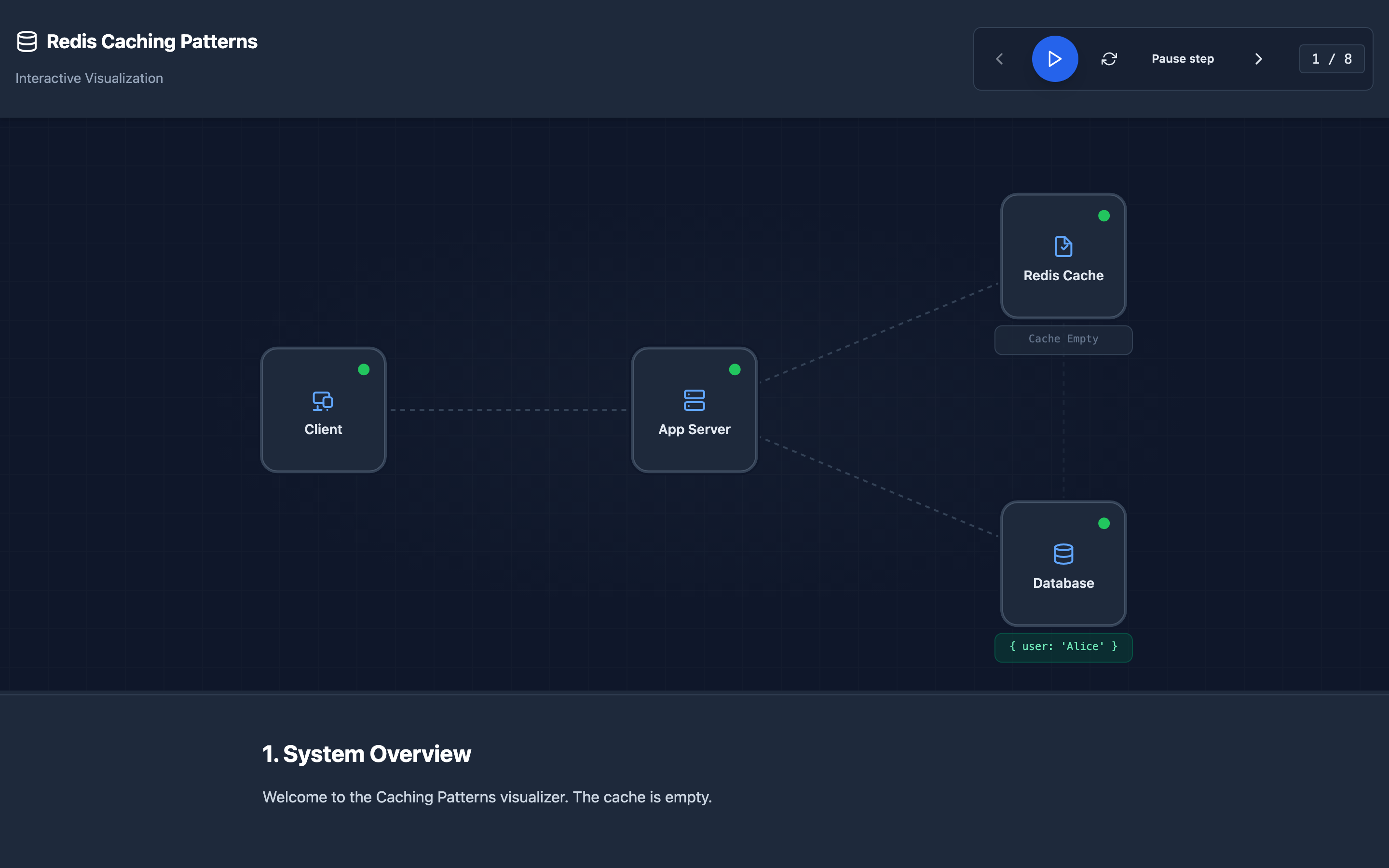
Redis supports four major caching patterns, each with different consistency and performance characteristics:
Cache-Aside (Lazy Loading): The application checks Redis first. On a hit (1ms), it returns the cached value. On a miss, it queries the database (50–500ms), writes the result to Redis with a TTL, and returns. This is the most common pattern because the application controls exactly what gets cached and when.
Read-Through: The cache itself is responsible for loading data from the database on a miss. The application only ever talks to the cache. This simplifies application code but requires a cache provider that supports data loading callbacks.
Write-Through: Every write goes to both Redis and the database synchronously. Data in the cache is always fresh, but every write operation pays the latency cost of two writes. Write latency increases from 5ms to 8ms, but read consistency is guaranteed.
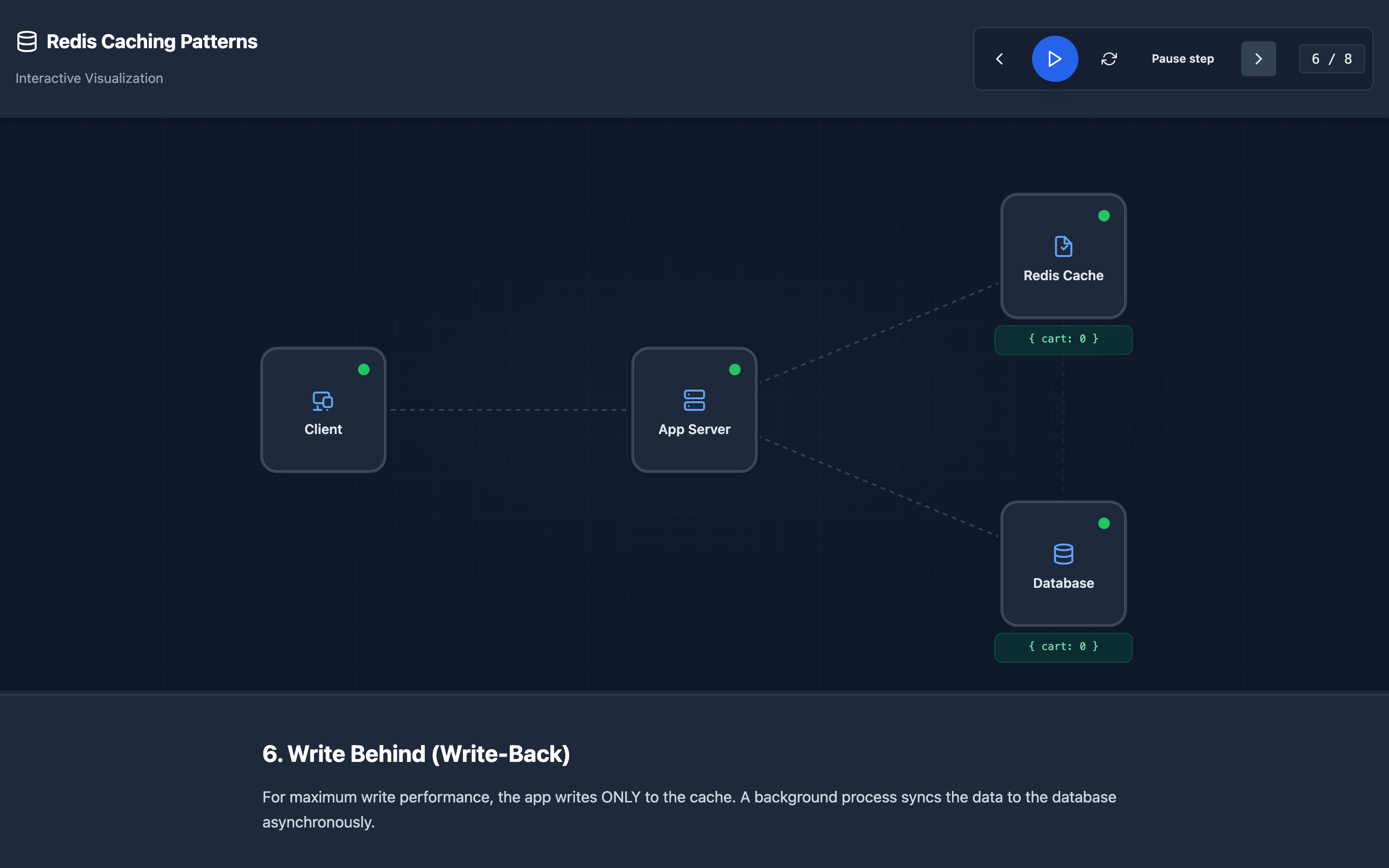
Write-Behind (Write-Back): Writes go to Redis immediately, and a background process asynchronously flushes them to the database in batches. This gives you sub-millisecond write latency but introduces a durability risk — if Redis crashes before the flush, those writes are lost.
The TTL countdown is central to all patterns. When a key is set with EXPIRE, Redis decrements an internal timer. When it hits zero, the key is lazily deleted (on next access) or proactively cleaned by the background expiry cycle running at the frequency set by hz.
The gap between TTL expiry and the next read is the window where a cache miss occurs.
Decisions that matter
| Parameter | Range / Options | Low End | High End |
|---|---|---|---|
TTL (Time-To-Live) | 1 second to 24+ hours | Short TTLs (5–30s) keep data fresh but increase cache miss rate to 15–30%, adding load to the database | Long TTLs (1–24h) maximize hit rate (99%+) but serve stale data; users may see yesterday’s prices |
maxmemory-policy | noeviction, allkeys-lru, volatile-lru, volatile-ttl | noeviction rejects writes when full — safe for session stores but breaks caching | allkeys-lru evicts any key regardless of TTL — maximum cache efficiency but unpredictable eviction |
hz (background task frequency) | 1–500 (default 10) | Low hz delays expired key cleanup; memory usage stays high after mass expirations | High hz (100) cleans up faster but uses 2–5% more CPU on idle instances |
maxmemory | Bytes (e.g., 2gb, 16gb) | Too small and eviction rate skyrockets — keys get evicted before TTL, hit rate drops to 60% | Too large and you’re paying for RAM you don’t need; right-size to your working set + 20% headroom |
lazyfree-lazy-expire | yes / no | no (default) — expired keys deleted on main thread, can cause latency spikes for large values | yes — expired keys freed in background thread, prevents event loop blocking on large key cleanup |
Where it breaks: Cache Penetration — Non-Existent Key Attacks
The failure mode: An attacker (or a buggy client) sends 50,000 requests per second for user IDs that don’t exist in your system: GET /api/users/99999999. The cache never has these keys because the data doesn’t exist in the database either.
Every single request passes through Redis (miss), hits the database (returns empty), and the cycle repeats. Your database is now handling 50,000 useless queries per second.
What you will notice:
- Redis
keyspace_missescounter inINFO statsclimbs at the same rate as your request rate — near-zero hit ratio for the affected key pattern - Database query logs show thousands of identical
SELECT * FROM users WHERE id = ?returning zero rows redis_cache_hit_ratioin Grafana drops from 95% to below 10% for the affected endpoint- Application latency for the endpoint matches raw database latency (
50ms+) instead of cache latency (1ms)
What I would do:
Implement a Bloom filter in front of your cache. Before checking Redis, query a Bloom filter that contains all valid user IDs. If the Bloom filter says “definitely not present,” return 404 immediately without touching Redis or the database. A Bloom filter for 10 million keys uses only ~12 MB of memory at a 1% false positive rate.
Additionally, cache negative results — store NULL_SENTINEL with a short TTL (30–60 seconds) so repeated queries for the same non-existent key hit the cache:
result = redis.get(f"user:{user_id}")
if result == "NULL_SENTINEL":
    return None  # Known non-existent, skip DB
if result is None:
    db_result = database.query("SELECT * FROM users WHERE id = %s", user_id)
    if db_result is None:
        redis.setex(f"user:{user_id}", 60, "NULL_SENTINEL")  # Cache the miss
        return None
    redis.setex(f"user:{user_id}", 3600, serialize(db_result))
    return db_result
return deserialize(result)
Hint Open the Redis Caching visualization and step through the “Cache Penetration” scenario to see how Bloom filters intercept invalid keys before they ever reach Redis or the database.
Where it breaks: Cache Breakdown — Hot Key Expires Under Load
The failure mode: Your homepage product listing is cached under the key featured:products with a 5-minute TTL. This key serves 8,000 requests per second.
At exactly the moment the TTL expires, all 8,000 concurrent requests see a cache miss simultaneously and stampede to the database with the same SELECT * FROM products WHERE featured = true ORDER BY rank LIMIT 50 query. The database’s connection pool (150 connections) saturates instantly, queries queue up, and p99 latency spikes to 3,500ms.
What you will notice:
- Periodic latency spikes in Grafana that correlate exactly with the TTL interval (every 5 minutes)
- Database connection pool utilization jumps from 20% to 100% in a sub-second burst, visible in
pg_stat_activity - Redis
keyspace_missesshows a brief spike of thousands of misses for the same key within a100mswindow - Application logs show bursts of
ConnectionPoolTimeoutExceptionfrom the database driver
What I would do:
Use a mutex lock to ensure only one request rebuilds the cache while others wait or serve stale data:
import redis
import time

def get_featured_products(r: redis.Redis):
    data = r.get("featured:products")
    if data is not None:
        return deserialize(data)

    # Try to acquire a rebuild lock (10 second timeout)
    lock_acquired = r.set("lock:featured:products", "1", nx=True, ex=10)

    if lock_acquired:
        try:
            # This request rebuilds the cache
            products = database.query("SELECT * FROM products WHERE featured = true ORDER BY rank LIMIT 50")
            r.setex("featured:products", 300, serialize(products))
            return products
        finally:
            r.delete("lock:featured:products")
    else:
        # Wait briefly and retry — the lock holder should populate the cache
        time.sleep(0.05)
        data = r.get("featured:products")
        return deserialize(data) if data else get_featured_products_fallback()
An alternative is logical expiration: set the actual Redis TTL much longer (e.g., 1 hour) but store the intended expiration timestamp inside the value. When a reader sees the logical expiry has passed, it triggers an async background refresh while still serving the stale data.
Warning Never rely solely on TTL for keys that serve thousands of requests per second. A single expiration event on a hot key can cascade into a full database outage within seconds.
Where it breaks: Cache Avalanche — Mass Key Expiration
The failure mode: During a deployment, your application warms the cache by loading 200,000 product keys, all set with EXPIRE 3600. Exactly one hour later, all 200,000 keys expire simultaneously.
The database goes from handling 500 qps (cache miss traffic) to 200,000 qps (the entire working set) in under a second. The database crashes, the application returns 5xx errors, and the on-call engineer’s phone starts ringing.
What you will notice:
redis_expired_keys_totalin Prometheus shows a near-vertical spike of 200,000+ expirations within a 10-second window- Database CPU hits 100% and
pg_stat_activityshows hundreds of queries inactivestate with no queries completing - Application error rate jumps from 0.1% to 80%+ across all endpoints, not just one
redis_keyspace_hits / (redis_keyspace_hits + redis_keyspace_misses)ratio drops from 0.95 to below 0.05
What I would do:
Add jitter to every TTL so keys expire at different times:
import random

base_ttl = 3600  # 1 hour
jitter = random.randint(0, 600)  # Random 0-10 minutes
redis.setex(f"product:{product_id}", base_ttl + jitter, serialized_data)
This spreads 200,000 expirations over a 10-minute window instead of a single second, reducing peak database load from 200,000 qps to ~333 qps — well within your database’s capacity.
For critical data, combine jittered TTLs with staggered cache warming: instead of loading everything at once during deployment, populate the cache lazily on first access, or warm in batches of 1,000 keys with 500ms delays between batches.
The tradeoff
| Approach | Pros | Cons |
|---|---|---|
| Cache-aside (lazy loading) | Simple to implement; only caches data that’s actually requested | First request after expiry always hits DB; stale data possible during TTL window |
| Read-through | Application code is simpler; cache is the single data interface | Requires cache library support for loading callbacks; harder to debug miss behavior |
| Write-through | Cache is always consistent with DB; zero stale-read risk | Every write pays double latency (cache + DB); write-heavy workloads see 40–60% throughput reduction |
| Write-behind (async) | Sub-millisecond write latency; batching reduces DB write load by 80%+ | Data loss risk if Redis crashes before flush; eventual consistency model is complex to reason about |
| Short TTLs (5–30s) | Data freshness guaranteed; stale reads limited to seconds | Cache miss rate of 15–30% increases database load proportionally |
| Long TTLs (1–24h) | Hit rate above 99%; database load is minimal | Users may see stale data for hours; invalidation logic becomes critical |
Hint After choosing a caching pattern, always add jitter to TTLs and implement negative caching as a baseline. These two changes prevent the most common production failures with minimal code.
A practical checklist
Step 1: Measure your current hit rate. Run redis-cli INFO stats | grep keyspace and calculate keyspace_hits / (keyspace_hits + keyspace_misses). A healthy cache should be above 90%. Below 80% means your TTLs are too short, your working set exceeds your cache size, or you’re suffering from penetration.
Step 2: Identify hot keys. Use redis-cli --hotkeys (requires maxmemory-policy to use LFU) or monitor with MONITOR briefly (never in production for more than 10 seconds — it halves throughput). Find keys with disproportionate access rates that are candidates for breakdown.
Step 3: Add jitter to all TTLs. Audit your codebase for any SETEX or EXPIRE call with a constant TTL. Add random.randint(0, base_ttl * 0.1) to spread expirations across a 10% window.
Step 4: Implement negative caching. For any endpoint that queries by user-supplied IDs, cache “not found” results with a 30–60 second TTL to block penetration attacks.
Step 5: Set up monitoring dashboards. In Grafana, create panels for: cache hit ratio (target: >95%), eviction rate (target: <100/sec steady state), memory usage vs maxmemory, and latency distribution. Alert when hit ratio drops below 85% for 5 minutes.
Step 6: Load-test your cache failure modes. Use redis-cli DEBUG SLEEP 10 in a staging environment to simulate a frozen Redis and verify your application degrades gracefully (returns stale data or falls back to the database) instead of throwing 5xx errors.
Try it yourself
Reading about cache-aside vs write-through is useful, but watching data packets flow between your application, Redis, and database — and seeing the latency difference between a 1ms cache hit and a 500ms cache miss — builds real intuition.
Explore the interactive Redis Caching Patterns visualization → Step through 10 stages covering all four caching patterns, TTL expiration mechanics, and the stampede problem to see where your caching strategy might break.